30 Screen-Free Activity Cards for Kids (Free Printable)
Thirty printable screen-free activity cards for kids: make, move, outside, think, calm and help ideas to cut out and pick from a jar when boredom hits.
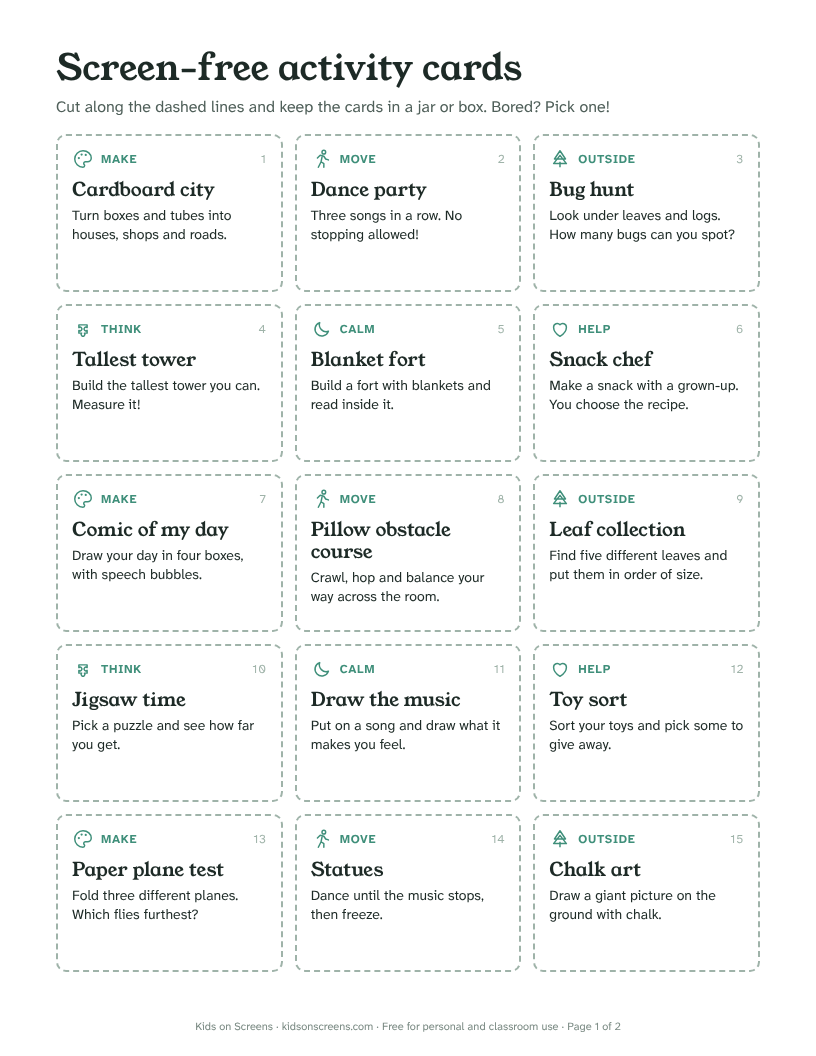
These 30 screen-free activity cards give your child something to do the moment they say “I’m bored”. Print the two pages, cut out the cards, and keep them in a jar or box. When screen time ends, your child picks a card instead of asking for more.
What’s on the cards
Each card has a short title, one line of instructions and a category, so it’s easy to pick the kind of activity that fits the moment:
| Category | Example cards |
|---|---|
| Make | Cardboard city, comic of my day, paper plane test |
| Move | Dance party, pillow obstacle course, animal yoga |
| Outside | Bug hunt, leaf collection, cloud shapes |
| Think | Tallest tower, secret code, 20 questions |
| Calm | Blanket fort, three good things, listening game |
| Help | Snack chef (with a grown-up), toy sort, dinner planner |
There are five cards in each category, numbered 1 to 30.
How to use the cards
- Print and cut. Card stock lasts longer. Older kids can do the cutting.
- Sort them together. Let your child put aside any cards they don’t like, and talk about where the jar lives.
- Make a rule for picking. For example: when screen time ends, pick a card, and you can swap it once.
- Use the categories. Restless? Pick a Move card. Tired? Pick a Calm one. Rainy day? Leave the Outside cards in the box.
- Add your own. Write new ideas on scraps of paper and add them to the jar.
Why a jar of ideas helps
The end of screen time is often the hardest moment of the day. Having a ready list of things to do makes the switch easier, because your child doesn’t have to come up with an idea on the spot.
The American Academy of Pediatrics suggests a family media plan with screen-free zones, such as the dinner table, during homework and before bed (AAP, HealthyChildren.org). The cards are a simple way to fill those times.
Make it fit your child’s age
| Age | What to change |
|---|---|
| 4 to 6 | Read the card aloud and do it together. Start with Move, Calm and Help cards. |
| 7 to 9 | Let your child pick and do most cards alone. Keep the Snack chef card for when a grown-up is free. |
| 10 to 11 | Ask your child to write five new cards for younger siblings or friends. |
Pair the cards with a routine
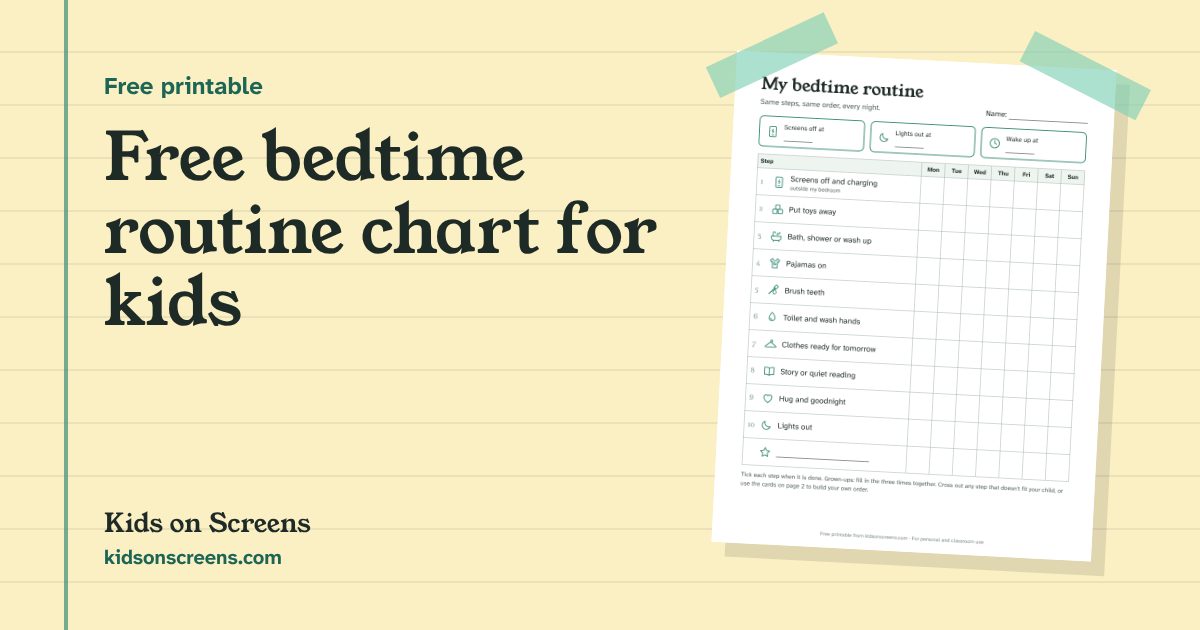
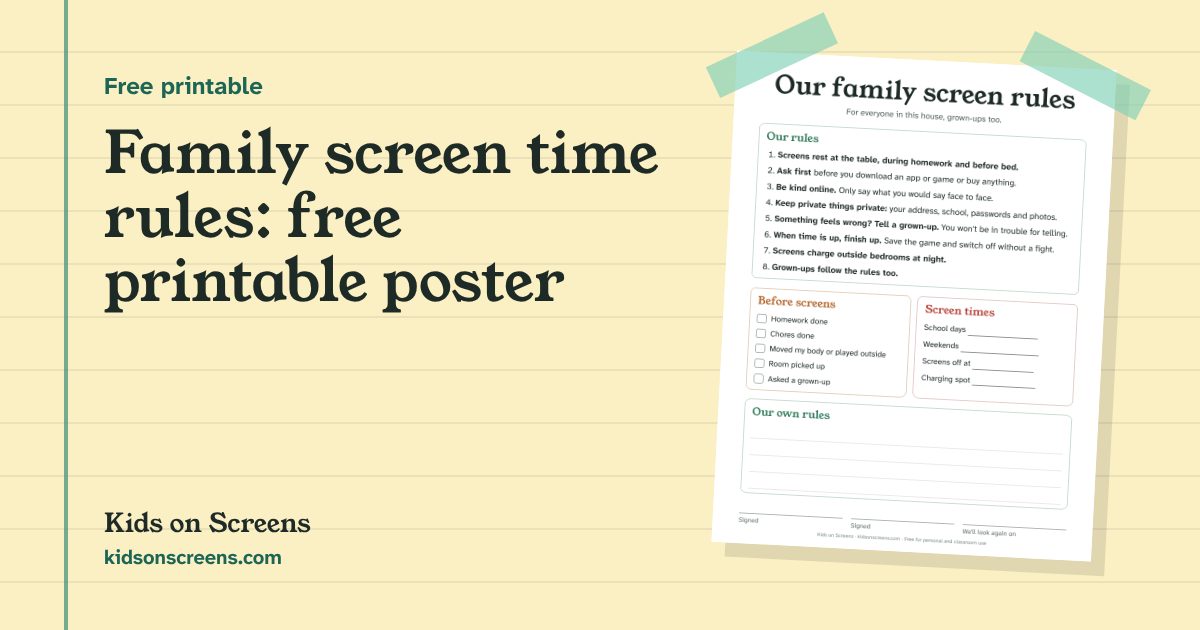
The cards work best when screen time has a clear start and end. Our free daily routine chart has a box to write the screen time you agree. To make the phone or tablet stop on time by itself, set a schedule with Screen Time on iPhone or Google Family Link on Android, and for consoles use the Nintendo Switch or PS5 play-time settings. The chore chart by age pairs well with the Help cards.
Going on a long drive? Our road trip printables have two car bingo cards and a scavenger hunt to play from the back seat. In December, the screen-free advent activity calendar has one idea for each day from December 1 to 24, and the Christmas break bucket list covers the days off school after that; pair it with the winter break schedule so each home day has a loose plan and a card or two to pick from. Before Thanksgiving, try the turkey disguise template.
Questions parents ask
How many pages is the printable?
Two US Letter pages with 15 cards each. It also prints on A4: choose 'Fit to page' in your printer settings.
What age are the cards for?
Most cards work for ages 4 to 11. Younger children may need help reading the card and with ideas like the secret code or the board game.
Do the activities need special supplies?
No. They use things most homes have: paper, pencils, boxes, blankets, pillows, cards or a puzzle. A few are best outside, like the bug hunt and chalk art.
How do I make the cards last?
Print on card stock, or glue the sheets onto a cereal box before cutting. Laminating or covering them with clear tape helps too.